
Documentation
Your Cricket Profile
How to set up and update your cricket profile for the best coaching experience.
Your cricket profile tells Yorker's AI coaches who you are as a player. The more accurate your profile, the better the advice you receive.
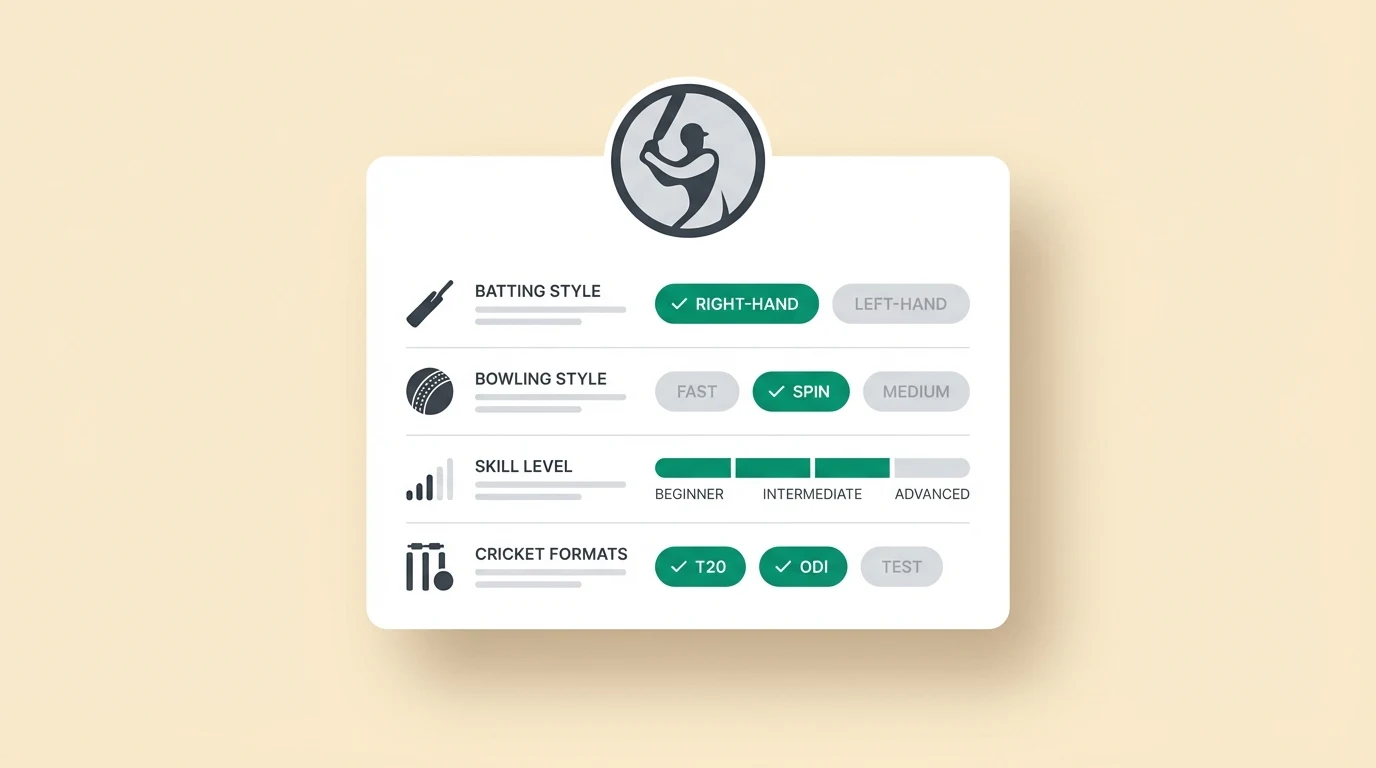
Editing your profile
Go to Settings from the sidebar menu or tap your avatar in the top-right corner and select Profile.
You can update the following at any time:
- Playing role — Batsman, bowler, all-rounder, or wicketkeeper
- Batting hand — Right-hand or left-hand
- Bowling style — Fast, medium fast, off-spin, leg-spin, slow left-arm orthodox, or left-arm wrist spin
- Skill level — Beginner, intermediate, club, district, state, or international
- Preferred format — T20, ODI, Test, or all formats
- Profile photo — A photo helps personalise your experience
How your profile affects coaching
Your profile directly shapes every AI interaction:
- A beginner batsman asking about the cover drive will receive simplified explanations with foundational drills
- A district-level off-spinner asking the same question will receive tactical variations and field placement advice
- Your format preference influences whether the AI recommends aggressive T20 approaches or patient Test-match strategies
Team profiles
If you are part of a team account, the account owner — the coach who bought the plan — can read the conversations you have inside the team workspace. Not summaries of them: the conversations themselves. That is what a shared coaching workspace is for, and the workspace tells you so.
Your personal account is separate. Your own coaching chats, journal and mental training stay private to you.