
Quick Start
Create your account, set up your cricket profile, and start your first AI coaching session in under two minutes.
Getting started with Yorker takes less than two minutes.
Step 1 — Create your account
Visit yorker.live and tap Get Started. You can sign up with your email address — we will send you a one-time code to verify it. No password required.
Step 2 — Set up your cricket profile
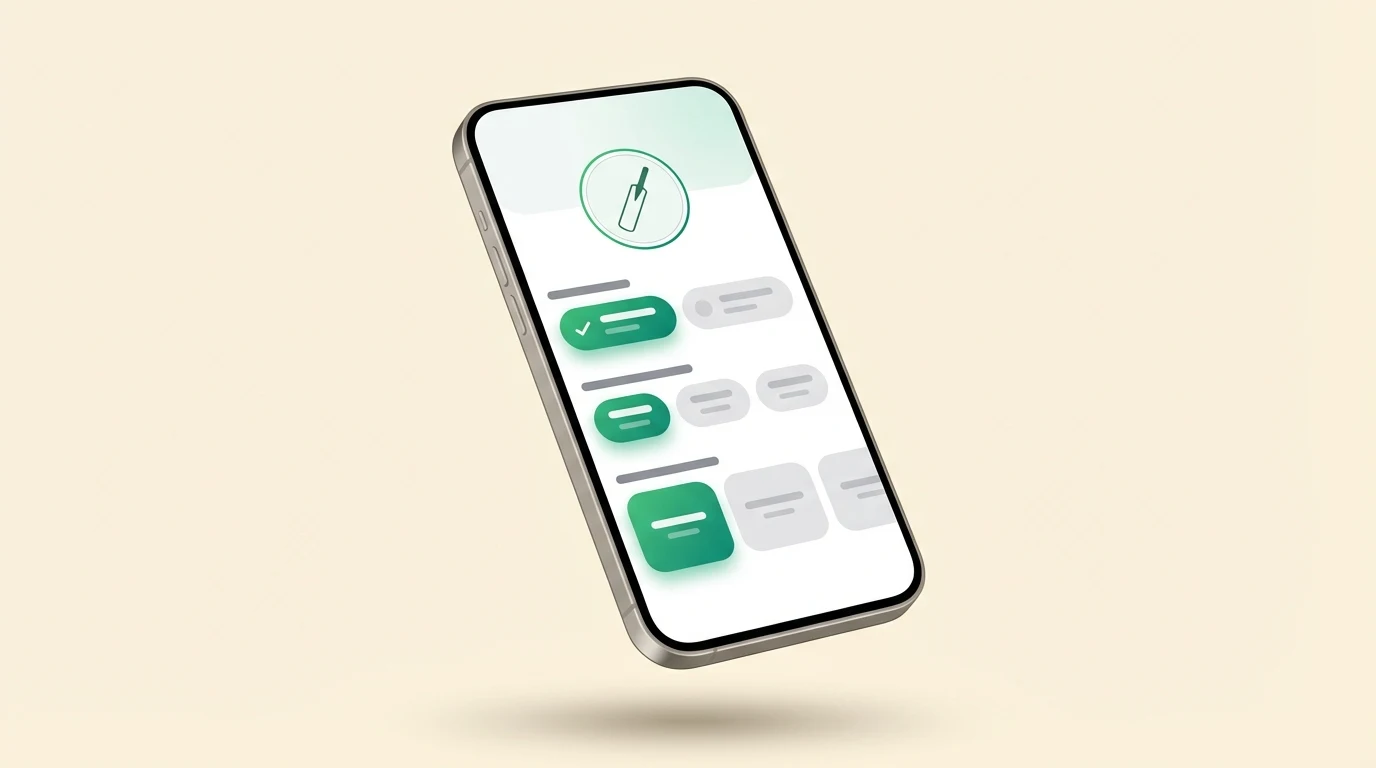
After signing in for the first time, you will be asked a few quick questions:
- Your name — so the AI coaches can address you personally
- Playing role — Batsman, bowler, all-rounder, or wicketkeeper
- Batting style — Right-hand or left-hand bat
- Bowling style — Fast, medium, off-spin, leg-spin, or left-arm varieties
- Skill level — Beginner, intermediate, club, district, state, or international
- Date of birth — needed once, so we can protect younger players correctly. It is never shown to other players or sent to the AI models
- Preferred format — T20, ODI, Test, or all formats
The profile step cannot be skipped. Your role, batting hand and date of birth are the minimum your coach needs. After that, you can choose Skip the rest on the next two screens, and Yorker finishes onboarding with what you have given so far.
While the final screen celebrates, Yorker builds your private coaching notes from your profile, so your very first answer already knows who you are. When you open the coach, the suggested questions on the first screen are written for you: a left-handed batter and a leg-spinner see different suggestions.
This information helps Yorker personalise every conversation to your needs. You can update your profile at any time from Settings.
Tip: Be honest about your skill level — it directly affects how the AI pitches its advice. A "beginner" will get fundamentals-first guidance, while a "district" player gets more nuanced tactical detail.
Step 3 — Start a conversation
Head to the Coach section from the sidebar. Type a question like:
- "How do I play the cover drive better?"
- "Give me a 30-minute net session plan for medium pace bowling"
- "What field should I set for a left-arm spinner in a T20?"
The AI will respond with detailed, actionable advice — with drills, diagrams, and references to professional players. Your question is automatically routed to the right specialist coach (batting, bowling, fitness, mental, and more). See AI Coaching for the full list.
Step 4 — Upload a photo for analysis
Go to Pose Analysis and upload a photo of yourself batting, bowling, or fielding. Yorker analyses your body position and gives you a detailed breakdown with a side-by-side comparison to a professional reference. See Pose Analysis for tips on getting the best results.
Step 5 — Track your progress
As you use Yorker, your technique scores and training activity are tracked automatically. Visit My Cricket from the sidebar to see your activity heatmap, technique trends, and session history. See Progress Tracking for details.
That is it — you are ready to train smarter with Yorker.