
Documentation
Progress Tracking
Track your cricket development over time with technique scores, training streaks, and performance history.
Yorker helps you track how your cricket is developing over time with visual dashboards, technique scores, and training streaks.
What is tracked
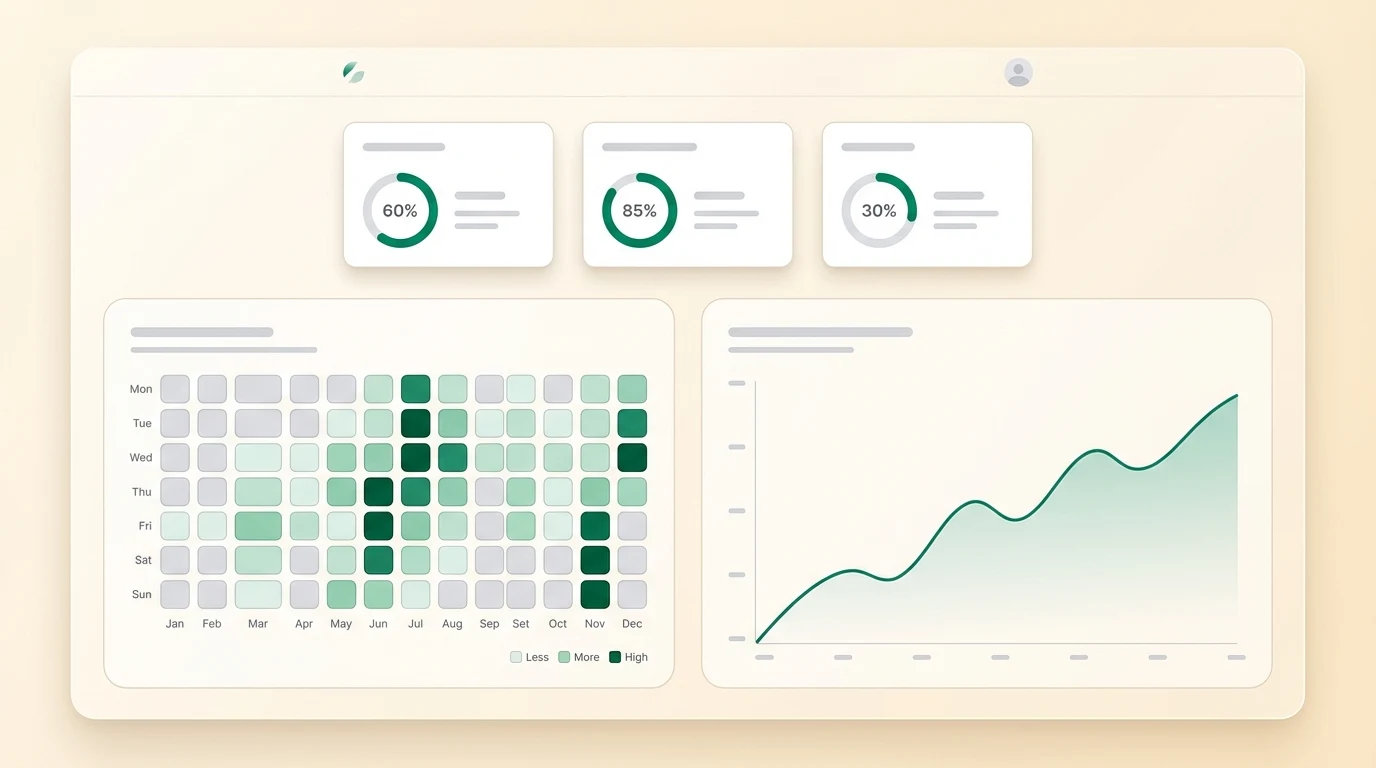
- Technique scores — Every pose analysis generates a technique score (0–100%). Over time, you can see how your scores improve for specific shots and actions. For example, track your cover drive score improving from 58% to 76% over four weeks.
- Training consistency — A heatmap shows your daily coaching activity, helping you build and maintain a practice habit. Aim for green squares every day.
- Conversation history — All your coaching sessions are saved and searchable. Revisit advice from any previous session.
- Analysis history — Every pose analysis is stored with the original photo, reference comparison, and feedback.
Viewing your progress
Go to My Cricket from the sidebar to see:
- Activity heatmap — A GitHub-style contribution grid showing your daily engagement. Darker green means more activity that day. Streaks are highlighted so you can see your longest consecutive training runs.
- Technique trends — Line charts showing how your pose analysis scores change over time, broken down by shot type (drive, pull, defence, etc.)
- Session log — A chronological list of your coaching conversations and analyses
Tip: Upload a pose analysis for the same shot every week to build a clear trend line. Consistency in measurement shows real improvement.
Setting goals
You can tell the AI coach about your goals, such as:
- "I want to improve my cover drive score from 65% to 80% in the next month"
- "Help me build a daily 20-minute practice habit"
- "I am preparing for district trials in 6 weeks"
The AI will reference these goals in future conversations and tailor its advice accordingly.