
1:1 Coaching
Start a live, face-to-face video session with a specialist AI avatar coach for real-time conversation, drills, and technique feedback.
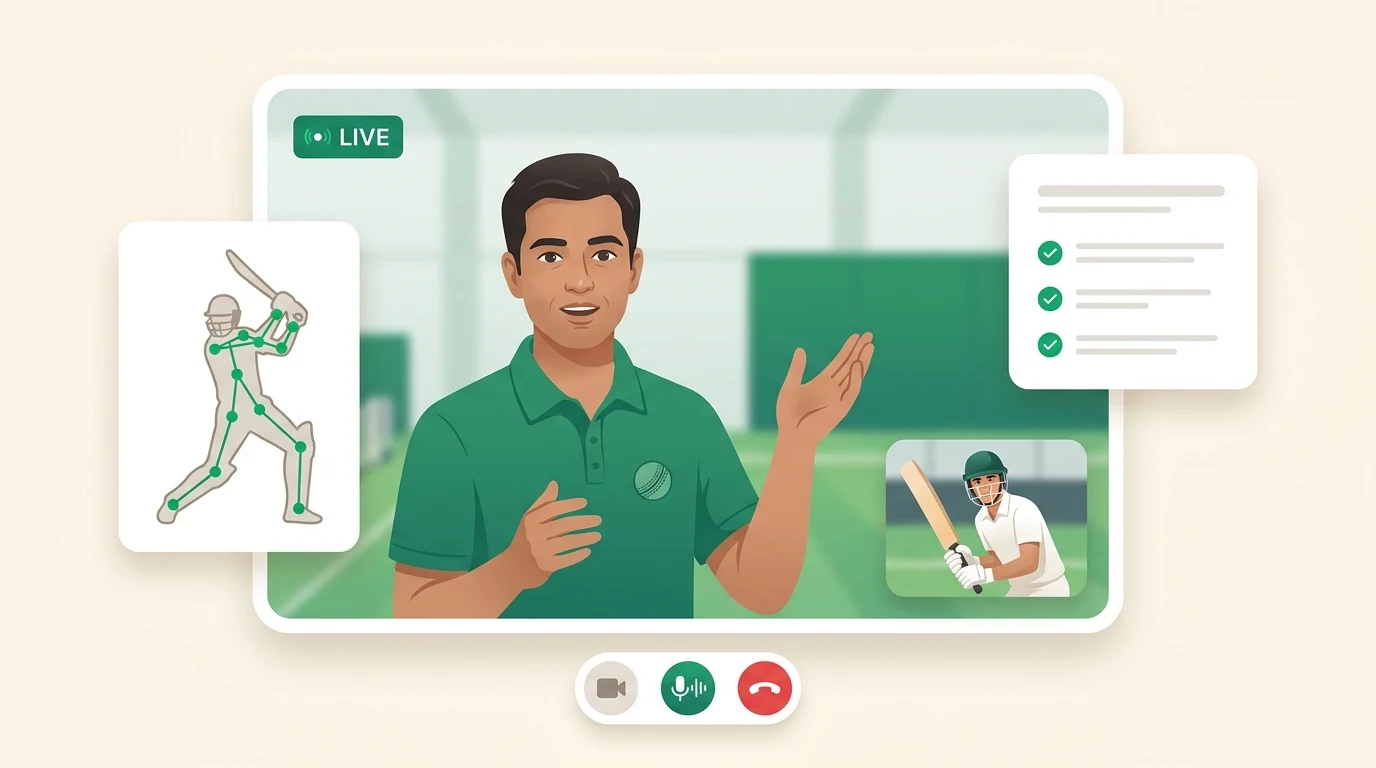
1:1 Coaching is a live video session with an AI avatar coach. You talk to the coach on camera, in real time, the same way you would over a video call with a human coach — ask questions, work through a problem, and get answers back instantly in conversation.
How to start a session
Open Live 1-1 from the sidebar. You will see a gallery of specialist coaches. Pick the coach who matches what you want to work on, allow camera and microphone access when prompted, and the session connects within a few seconds.
A session needs a working camera and microphone. The coach can see and hear you, so set up somewhere with decent lighting and low background noise.
The specialist coaches
There are seven specialist coaches for live sessions, each focused on one part of the game (in chat, a General coach also handles broad questions — eight in all):
- Batting — Stance, footwork, shot selection, and building an innings
- Bowling — Pace, spin, swing, variations, and wicket-taking plans
- Fielding — Catching, ground fielding, throwing, and field placement
- Fitness — Strength, agility, endurance, and injury prevention
- Nutrition — Match-day fueling, recovery, and hydration
- Mental — Focus, confidence, pressure handling, and pre-match routines
- Rules — LBW, DRS, playing conditions, and match regulations
Each coach is briefed on your cricket profile — skill level, playing role, batting and bowling style, and current goals — so the conversation is pitched at your level from the first ball.
What happens in a session
The session is a real conversation. Talk naturally: describe a problem, ask for a demonstration, or work through a scenario out loud. The coach responds in real time.
The coach can also read your facial expression and tone of voice and adapt its coaching to how you are feeling — slowing down when you seem frustrated, pushing on when you are confident. Whenever this is active, a "Coach can see you" badge is shown in the session, so there is never any silent sensing. You can turn emotion-aware coaching off in Personalization; it is always off for players under 18, and raw video is never stored.
The session fills your whole screen, like a video call. The coach's name, a live indicator, and a session timer sit along the top. The controls sit along the bottom:
- Pose tracker — Opens a side panel with the pose overlay. The session records the shots and actions it detects on camera. After the session you get a breakdown of what you played and how often.
- Drills — Opens a side panel with guided, timed drills (shadow batting, bowling action work, fielding sets) that run alongside the conversation so the coach can talk you through each step.
- End session — Ends the call whenever you are done.
On a desktop the side panel opens next to the call. On a phone it opens over the call; close it to return to the coach.
After the session
Every session is saved. A short while after you finish, a session summary is generated with:
- An overview of what you covered
- Key insights — the main takeaways from the conversation
- Homework — specific things to work on before next time
- Technique tips — concrete corrections to apply
- Coaching insight — when emotion-aware coaching was on, one line about how the session felt and where the next one should start (for example, "confidence dipped when we discussed short balls — next session starts there")
If pose tracking was on, you also get a chart of the shots detected during the session. The audio recording and full transcript are kept too. Open Past Sessions from the gallery to revisit any earlier session, replay its recording, and read back the transcript.
Voice sessions
Voice sessions are live coaching in audio only — currently rolling out, so they may not be available on your account yet.
A voice session works with the same specialist coaches and the same real-time conversation, but there is no camera. That makes it easy to take a session from the nets, on the way to a game, or anywhere you would rather not be on video.
Because there is no camera, the coach has no visual perception in a voice session — it adapts to your words and tone of voice only. Everything else carries over: the full transcript and a session summary land in your session history alongside your video sessions.
Voice minutes are metered separately from video minutes. Elite includes 30 voice minutes every month. Voice minutes are bundle-only — when they run out, the coach continues in text chat at full quality. The 20-minute per-session cap applies to voice sessions too.
Tip: Come in with one specific thing to work on rather than a broad "fix my batting". A focused session — "my front-foot drive keeps going in the air" — gets you sharper, more usable feedback than a general one.
Availability
1:1 Coaching is metered in minutes of live session time, with video and voice minutes counted separately:
| Plan | Video minutes | Voice minutes |
|---|---|---|
| Free | Not included | Not included |
| Pro | One-time 10-minute taster session | Not included |
| Elite | 10 minutes every month | 30 minutes every month (rolling out) |
A single session can run up to 20 minutes — the cap applies to both video and voice sessions. Top-up packs exist for video minutes only; voice minutes are bundle-only. Your remaining minutes are shown above the coach gallery, and Elite minutes reset at the start of each month. See Subscription & Billing for details.