
Match Scenarios
Sharpen your tactical thinking with interactive AI match scenarios — decide, see the outcome, and learn.
Cricket is as much a mental game as a physical one. Yorker's match scenarios put you in realistic match situations and make you decide — then simulate what happens and coach you on the decision.
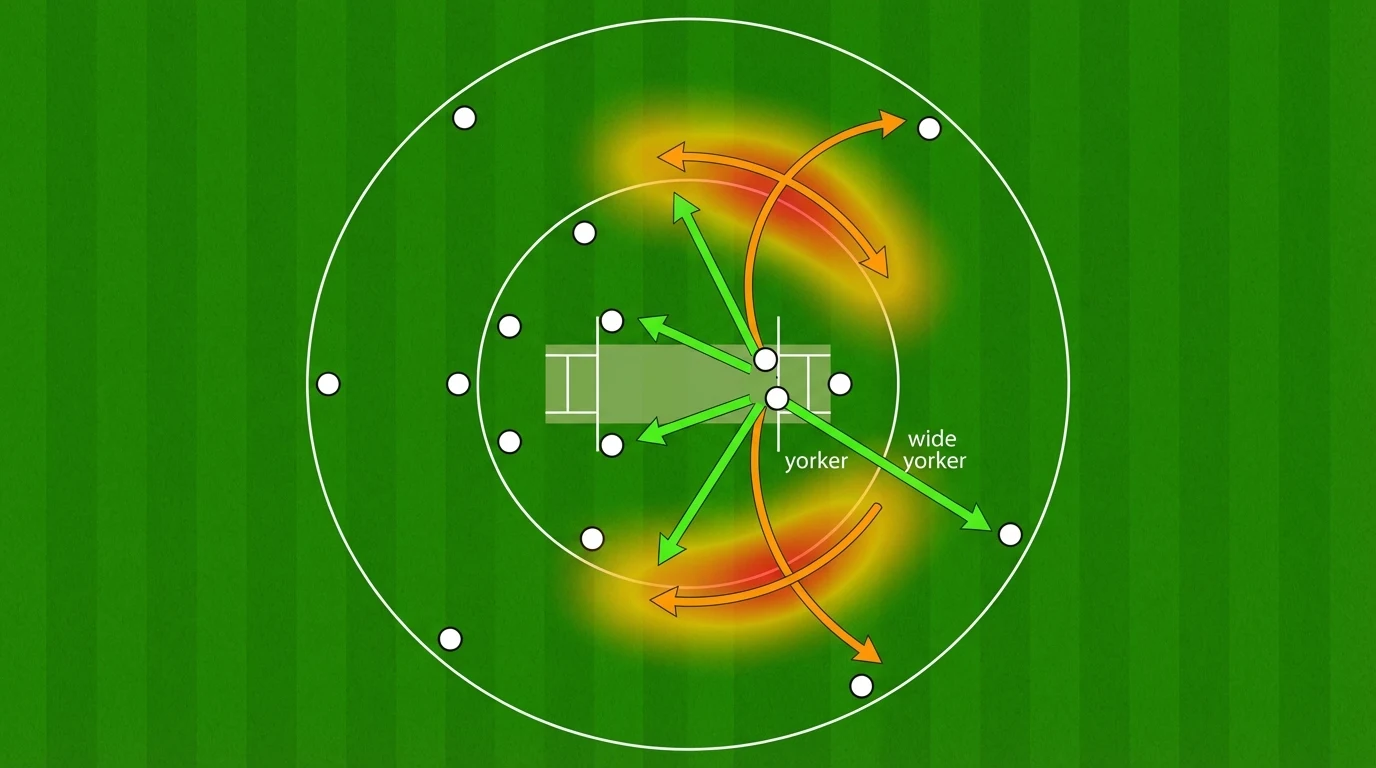
How to play a scenario
Open the coach chat and switch to Scenario mode (or use the Scenario quick action). Parameter chips above the input let you pick:
- Type — batting, bowling, captaincy, or fielding
- Format — T20, ODI, or Test
- Difficulty — easy, medium, hard, or expert
Then just say "give me a scenario" — or describe the exact situation you want to face ("put me in a death-overs bowling scenario defending 12"). Your words always win over the chips.
How a play unfolds
- The situation — The coach sets the scene like a commentator: score, overs, pitch, match context, and the pressure of the moment.
- Your decision — You get exactly three options with different risk profiles (safe, calculated, bold). Tap one.
- The outcome — The coach simulates what happens ball by ball, calibrated to the risk you took. Bold calls can come off spectacularly — or teach you an expensive lesson.
- The debrief — Every outcome ends with coaching feedback, a probability analysis, what professionals do in that situation, a decision score out of 100, and XP toward your journey.
Tip: You can ask follow-up questions after any outcome — "What if the batter had hit two sixes in over 18? Do I still keep the spinner on?"
Scenario types
- Batting scenarios — Run chases, rebuilding after a collapse, powerplay strategy, death overs
- Bowling scenarios — Defending totals, breaking partnerships, reverse swing, spell planning
- Captaincy scenarios — Field placements, bowling changes, DRS reviews, declarations
- Fielding scenarios — Close catching, boundary saves, run-out opportunities
Your scenario history
Every completed scenario is saved. Open History and choose the Scenarios filter (or search "Scenarios" in the command palette) to see your plays. Open any row to revisit the outcome, your decision score and XP, and the coaching debrief, or hit Continue in chat to discuss a past decision with the coach.
Scenario plays count toward your plan's monthly scenario allowance, whichever way you start them.