
Video Lessons
A structured video course in the craft of cricket — six chapters, watched at your own pace, with the coach one tap away.
Reading about a cover drive teaches you the theory. Watching one done — slowed down, explained, then repeated — is how it actually sticks. Yorker's video lessons are a structured course in the craft of cricket: short, focused chapters you work through at your own pace, with the coach chat one tap away whenever a lesson raises a question.
What's inside
The library is organised into six chapters, each building from the fundamentals to advanced work:
- Batting — 15 lessons on guard and stance, footwork, the full range of strokes, and building an innings
- Bowling — 8 lessons on pace, spin, swing, variations, and the plans that take wickets
- Fielding — 7 lessons on catching, ground fielding, throwing, and positioning
- Planning & Strategy — 12 lessons on reading conditions, match-ups, captaincy, and how to think your way through a game
- Mental Training — 3 lessons on focus, pressure, and the psychology of performing
- Other Important Stuff — 5 lessons on the practical essentials every cricketer should know
Within each chapter, lessons run from the basics to advanced technique, so you can start exactly where your game is.
Watching a lesson
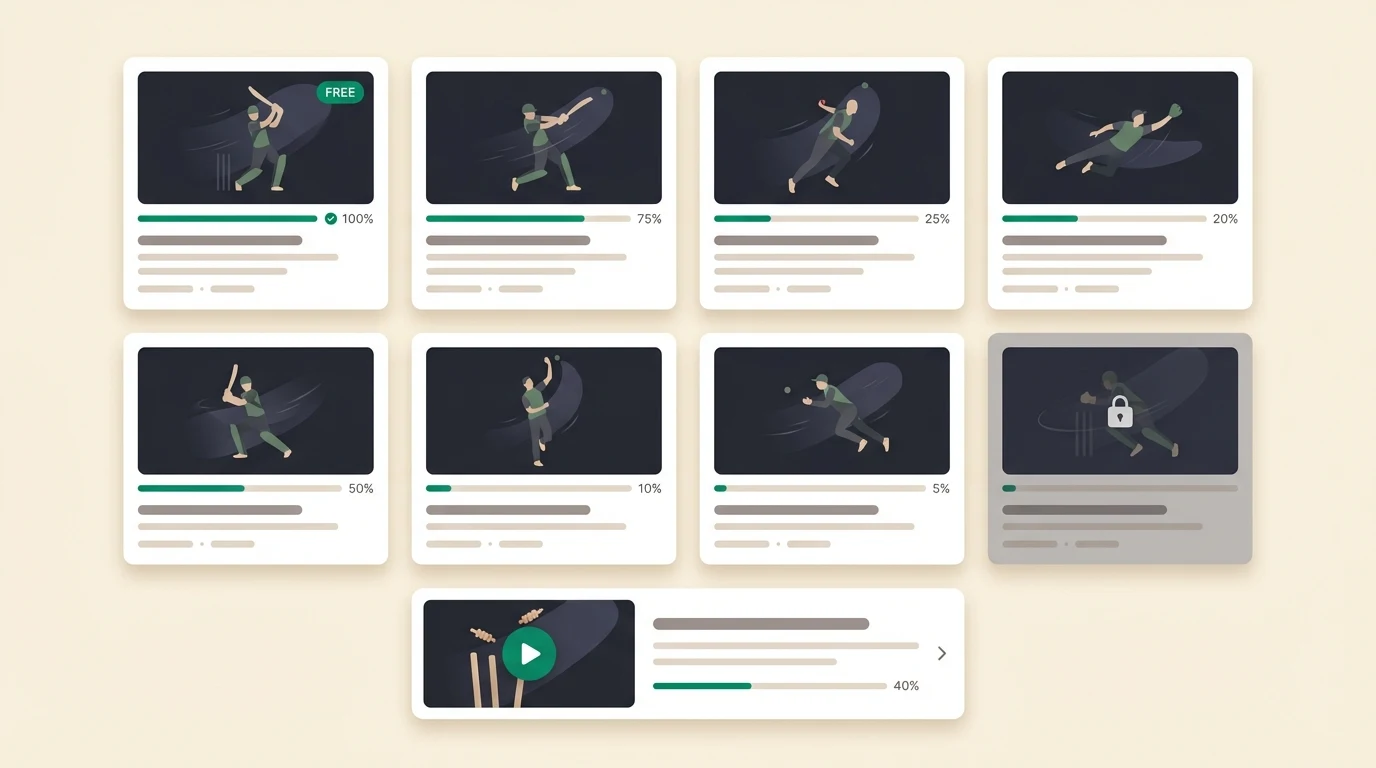
Tap any lesson to open the video player. Your position saves automatically — leave partway through and you resume exactly where you stopped. The Continue Learning card on your dashboard always surfaces your most recent unfinished lesson.
Has a lesson raised a question? Ask your coach in chat — it can go deeper on any point the video covers and tie it back to your own game.
Tracking your progress
As you watch, Yorker keeps count:
- Completion — a green bar under each lesson card shows how far through it you are
- Chapter progress — how many lessons you have finished in each chapter
- Watch time — your total learning time, on your dashboard and in your weekly summary
Free vs Pro
Some lessons are free for everyone; the rest unlock with a paid plan. Tap a locked lesson and you will see your upgrade options. See Subscription & Billing for exactly what each plan includes.
Tip: Start with the free lessons to get a feel for the teaching style, then go deep on the one chapter that is holding your game back most.