
Personalization
Customise your Yorker experience — theme, language, layout, and coaching preferences.
Yorker adapts to how you like to work. The Personalization settings let you control the look, feel, and behaviour of the app.
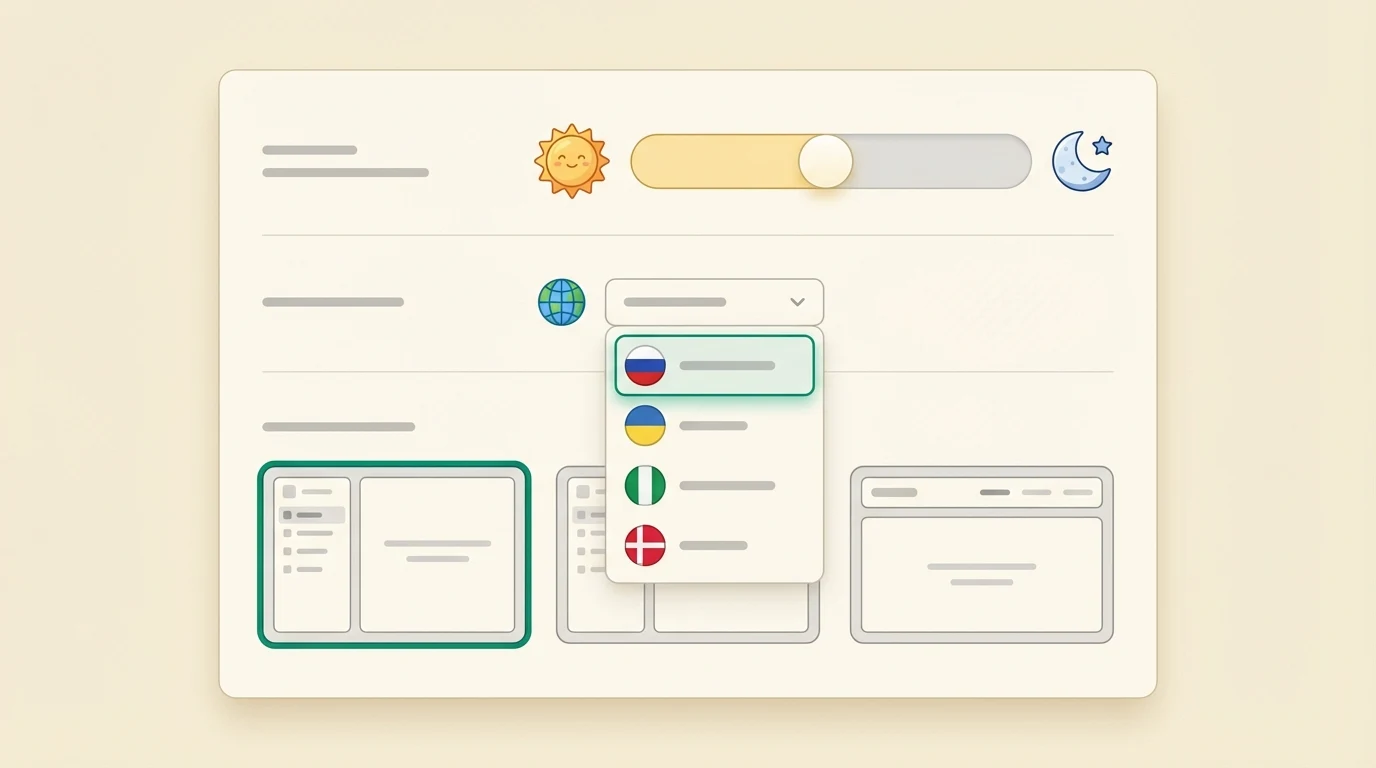
Accessing personalization
Go to Personalization from the sidebar settings section, or tap your avatar and select Personalization.
Theme
Choose between light and dark mode. Your preference is saved to your account and applies across all devices.
Language
Two independent language settings:
- Interface language — Controls menus, buttons, labels, and navigation text
- Coaching language — Controls what language the AI coaches respond in
You can set these independently. For example, keep the interface in English but receive coaching advice in Hindi. See Multilingual Coaching for the full list of supported languages.
Layout
Choose your preferred navigation style:
- Sidebar layout — A compact icon rail on the left side of the screen (default on desktop)
- Header layout — A horizontal navigation bar at the top of the screen
Both layouts provide access to all the same features. Choose whichever feels more natural.
Live session privacy
Two controls govern what happens during live 1:1 Coaching sessions:
- Session recording — On by default so you can re-watch sessions from Past Sessions. Turn it off and sessions run unrecorded; you can also delete any past recording individually.
- Emotion-aware coaching — When on, the coach reads your facial expression and tone during a live session and adapts its coaching to how you are feeling. A "Coach can see you" badge is always visible in the session while this is active. Turn it off and the coach still sees and hears you for normal conversation, but does no emotion sensing. This is always off for players under 18.
Both are independent consents — changing one never affects the other, and neither affects the rest of the platform.
Coach memory
The coach remembers facts from your chats — a goal, an injury, a preference — so later advice fits you. It tells you when it writes one down.
- The "Noted" strip — When the coach takes a fact from an answer, a small "Noted" line appears under that answer with the fact as a chip. It can take a few seconds to show after the answer finishes.
- Correct it in one tap — Tap a chip to edit the wording, then press Enter. The coach keeps your version and marks it as verified by you.
- Forget it — Tap the small "x" on a chip and the coach drops that fact.
- See everything — The "All memory" link opens Personalization → What the coach knows about you, where every fact is listed with the conversation it came from. You can correct, delete, export, or clear all facts there.
Coaching preferences
Your cricket profile — playing role, skill level, batting hand, bowling style, and preferred format — directly shapes how the AI coaches respond. Update these any time from Settings to ensure the coaching stays relevant as you improve.
Tip: If you get promoted from club to district level, update your skill level in your profile. The AI will immediately adjust the complexity and specificity of its advice.