
Training Tools
Track your matches, log training sessions, and set season goals to stay on target.
Beyond AI coaching and video lessons, Yorker gives you tools to plan, log, and reflect on your cricket training and match performance.
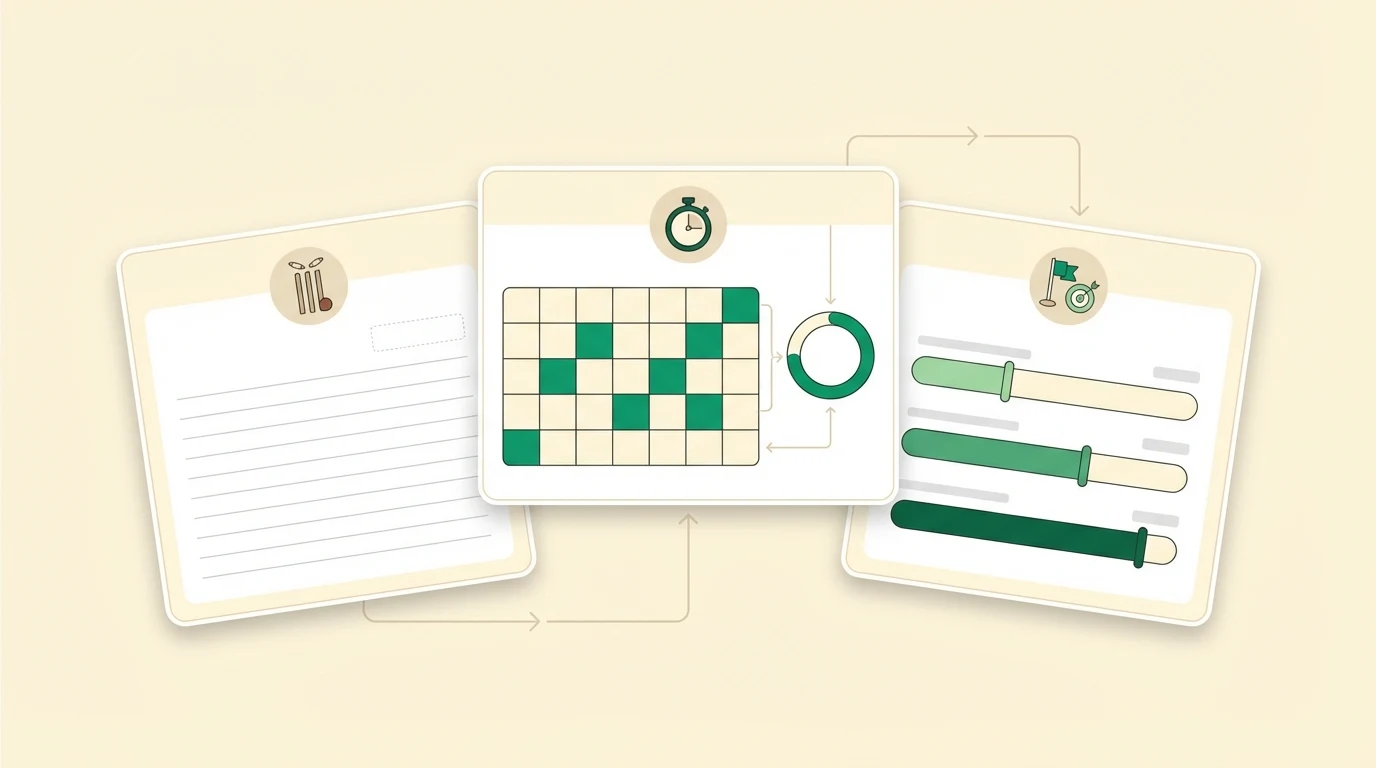
Match Journal
The match journal is where you record your match performances. After each game, log:
- Match details — Format (T20, ODI, multi-day), opposition, venue, date
- Your performance — Runs scored, wickets taken, catches, run-outs
- Notes — What went well, what you want to work on, how you felt mentally
Over time, your match journal becomes a personal performance diary. Review it before asking the AI coach for advice — patterns in your journal help the coach give more targeted suggestions.
Example journal entry
T20 club match vs Greenfield CC — 15 March 2026 Batted #4, scored 23 off 18. Got out trying to sweep a leg-spinner — ball was too full for the sweep. Bowled 2 overs for 1/14, yorker got the wicket. Dropped a catch at mid-off — sun was in my eyes. Work on: Shot selection against spin — need to read length better before committing to the sweep.
Training Log
The training log records your practice sessions:
- Date and duration — When you practised and for how long
- Focus area — What you worked on (batting, bowling, fielding, fitness)
- Drills completed — Which drills from your AI-generated practice plans you actually did
- Self-rating — How productive the session felt (1–5 stars)
The training log feeds into your progress dashboard, contributing to your activity heatmap and weekly stats.
Speak your log
You can speak your nets log instead of typing it. Tap Speak your nets log on the Training Log page and talk for up to 60 seconds, in Hindi, in English, or a mix of both.
- Countdown — A counter shows the time left. The recording stops by itself at 60 seconds, or when you tap Stop.
- Draft — Yorker turns your words into a draft with the session type, focus areas, key learnings, and challenges. It uses only what you said. Your own words also go in the notes.
- Duration — If you did not say how long you trained, the duration shows 60 minutes. Check it before you save.
- Your tap saves — Nothing is saved until you tap Save Session. You can change any field first.
Your audio is not kept. Yorker sends the recording to a speech-to-text service, sends the text to an AI model to write the draft, and then discards the audio. Your words are used only to fill the form, and the AI model call is not logged to our tracing tools. Only the log entry you save stays in your account.
If the speech service or our server fails, a Try again button sends the same recording again, so you do not need to speak twice. The recording stays in your browser's memory only until it works, you close the message, or you leave the page.
You can make up to 10 voice logs a day. A log that fails because of a service problem does not count. Voice logs need a date of birth on your profile, and they are not open to players under 18 yet. Those players can still type their log.
Season Goals
Set long-term targets for the season and track your progress toward them:
- Performance goals — "Average 35+ in T20s this season", "Take 20 wickets"
- Technique goals — "Reach 80% on cover drive pose analysis", "Fix my bowling action front-on alignment"
- Consistency goals — "Train at least 4 days per week", "Complete all batting chapters"
Each goal shows a progress bar that updates as you log matches, complete training sessions, and hit milestones.
Tip: Share your season goals with the AI coach at the start of a conversation. Say "My season goal is to average 35 in T20s — what should I focus on this week?" and the coach will tailor its advice to your targets.