
Team Accounts
Bring your academy or squad onto Yorker — a coach-visible team coaching workspace, member roster, and pooled squad coaching on the Coach and Academy plans.
Team accounts let coaches, captains, and managers bring their squad together on Yorker. They are available on the Coach plan (10 seats, for an individual coach and their squad) and the Academy plan (25 seats, for cricket academies, school teams, and club sides).
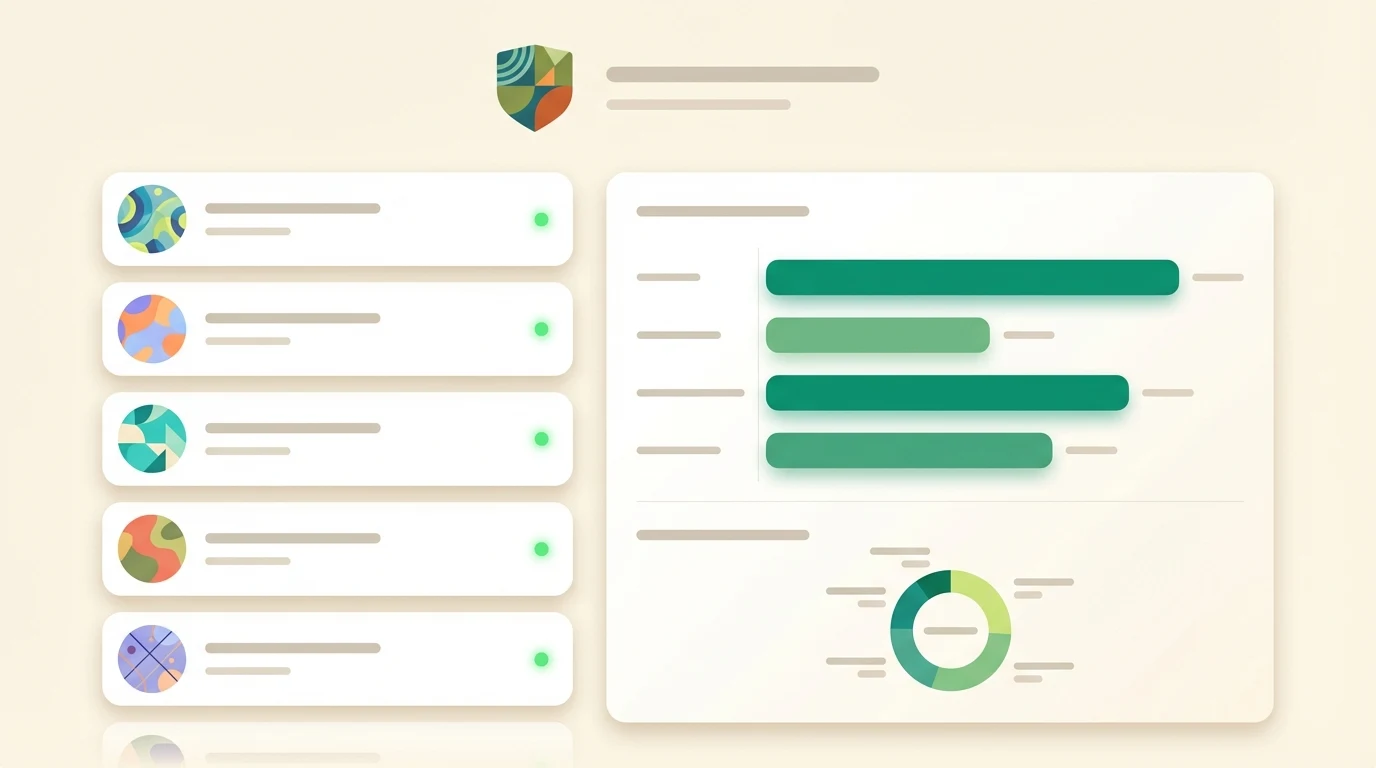
What a team plan includes
- Team coaching workspace — a shared chat workspace where the squad works with the AI coach together, at the deepest coaching quality Yorker has
- Owner-visible conversations — conversations in the team workspace are visible to the account owner (the coach who bought the plan), so they can see what each player is working on and step in with guidance
- Team lessons — the video lesson library, inside the team workspace
- Member roster — see who is on the squad, invite players by email, and set each person's role
- Pooled squad coaching — coaching, structured tools, deep research and video analysis in the workspace are pooled at the team under fair use, rather than capped per member, so one player preparing for trials can go deep without pushing anyone else into a limit
A team plan does not include progress dashboards, assignments, attendance or cohort management. What a coach sees is the roster and the squad's conversations.
A team seat covers what happens in the team workspace. Members' personal accounts — their own coaching chats, journal, mental training — are separate, stay private to them, and are covered by their own personal plan.
Coach visibility and disclosure
Conversations inside the team coaching workspace are visible to the coach — that is the point of the workspace. This is always disclosed: members see a clear notice in the workspace that what they say there can be read by the coach. There is no silent monitoring.
Anything a member does in their personal account — their own coaching chats, video analyses, mental training sessions — stays private to them, exactly as it does for individual players. Only the team workspace is coach-visible.
Members and roles
Members join by email invitation using their existing Yorker account. There are two roles:
- Owner — the account that bought the plan. Full control: billing, team settings, managing members and their roles. The owner is also the only account that can read the squad's conversations in the team workspace.
- Member — uses the coaching features, sees their own data, and can invite other players by email.
There is no separate "admin" role.
How to get Academy
There is no self-serve checkout for Academy yet — team workspaces are provisioned for you. Contact us and we will set up your workspace, add your coaches, and get your roster onboarded.
See Subscription & billing for how Academy fits alongside the individual plans.